
Viewpoint Vista Training: A Practical Guide for Finance and Project Teams
SelectView Data Solutions works with Trimble Viewpoint Vista and Spectrum, and most of the training requests we get arrive after go-live rather than before. This guide sets out what each role actually needs to learn, in what order, and why training that focuses on screens instead of process is the reason so much of it does not stick.
Why Vista training usually disappoints
Standard training teaches the software. What Vista users need to understand is how the software supports their work. Those are different things, and the gap explains why a team can complete training and still ask the same questions two months later.
A payroll clerk does not need a tour of the Payroll module. They need to run a payroll, handle the three exceptions that occur most often in your business, and know what to do when something does not balance. Training built around that sticks.
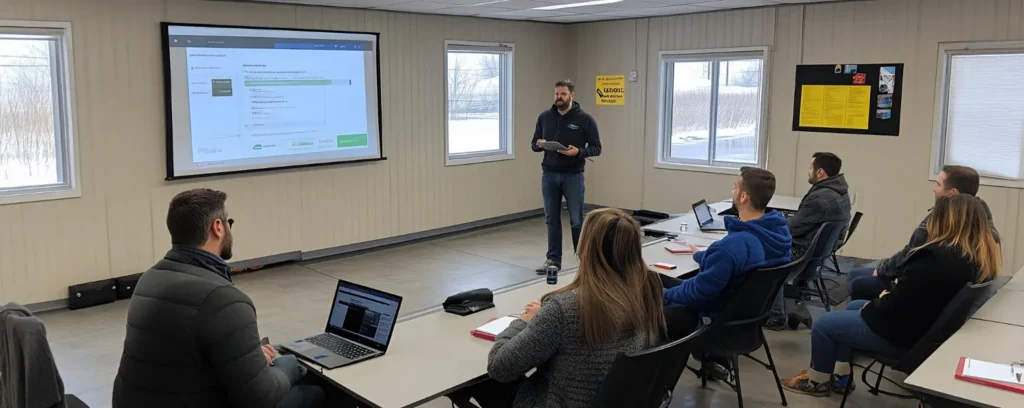
What each role needs to learn
Role
Core competencies
Usually skipped but essential
Controller / accounting manager
Month end close, GL structure, job cost reconciliation, financial reporting
How to trace a job cost figure back to source transactions
Payroll
Timecard entry, payroll processing, deductions and liabilities, certified payroll
Craft and Class setup and why it drives compliance
AP clerk
Invoice entry, approval routing, vendor setup, payment runs
Committed cost, and how POs and subcontracts affect job cost
Billing
Progress billing, retainage, contract items and change orders
How billing affects WIP and revenue recognition
Project manager
Job cost inquiry, commitments, change orders, forecasting
Reading job cost the way finance reads it
Executive
Reporting and inquiry only
Which numbers are live and which are period based
The order that works
Structure first
Before any screen, teach how jobs, phases, cost types and cost codes fit together in your setup. Everything else depends on this and it is routinely skipped.
Daily tasks next
The three or four things each person does most often, performed on real data.
Exceptions third
What to do when a timecard will not post, an invoice will not match, or a job will not balance.
Period tasks fourth
Month end, close, reporting.
Reporting last
Once people understand the data they are far better at researching to get the answers their work requires.
The concept most teams never get taught
Vista holds accounting period separately from transaction date. Period reporting keys on the accounting month, while operational questions key on the actual date something happened. People who do not understand this produce reports that disagree with the close and cannot explain why. Teach it early, with an example from your own data. It takes fifteen minutes and prevents months of confusion.
Making training stick
Train on a copy of your own data, not a demo company. Familiar job numbers matter more than tidy examples. Real data will include real world problems that have to be handled correctly.
Train in short sessions close to when the task is performed, rather than a week of everything at once.
Write down the three most common exceptions per role and make them part of the material.
Name a Super User per module. The Super User (or local subject matter expert) is the go-to person when complicated situations arise.
Retrain after upgrades, and when someone changes role. Most knowledge loss happens quietly at handover.
Training after go-live versus before
Before go-live, training is necessarily hypothetical. After go-live, the work is concrete but the pressure is higher. The practical answer is to do both: enough before to be functional, then a structured return four to six weeks later, when people are aware of their own knowledge gaps. That second session produces competence, and it is the one many implementations skip.
How SelectView helps
We train on Vista and Spectrum using your own configuration and data, focused on the tasks each role performs rather than a module tour. We also build the reporting people need afterward, which reduces the volume of ad hoc questions considerably.
Frequently Asked Questions
What Viewpoint Vista training do new users need?
Start with how jobs, phases, cost types and cost codes are structured in your setup, then the daily tasks for the role, then exceptions, then period tasks, and reporting last.
How long does Vista training take?
It varies by role. A payroll or AP user can be functional in a short focused session on their own data, while a controller covering close and reporting needs considerably longer.
Should we train before or after go-live?
Both. Enough before to be functional, then a structured return session four to six weeks after go-live, when people know what they do not know. The second session is the one that builds competence.
What is the most commonly missed Vista concept?
That accounting period is held separately from transaction date. Users who do not grasp this produce reports that disagree with the close and cannot explain the difference.
Should we train on demo data or our own?
Your own, on a copy. Familiar job numbers and real cost codes make the training transfer directly to the work.
How do we stop knowledge from leaving with staff?
Name a super user per module, document the common exceptions per role, and retrain at role changes and after upgrades. Most knowledge loss happens quietly at handover.